
Software
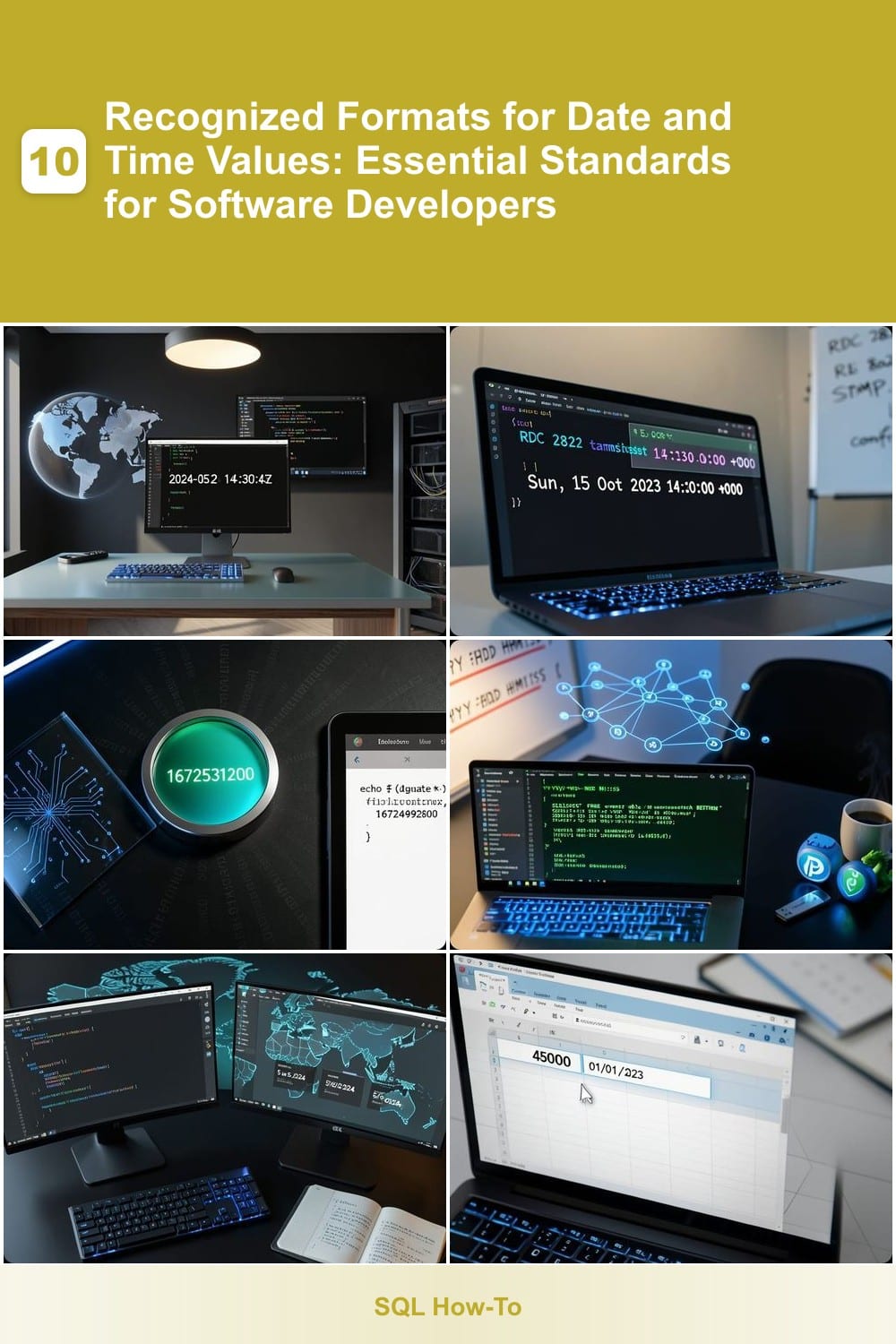
Software developers must handle date and time values consistently across platforms and applications. These seven recognized formats ensure compatibility, readability, and proper parsing in any programming environment, from web APIs to legacy systems.
ISO 8601 Standard Date-Time Format
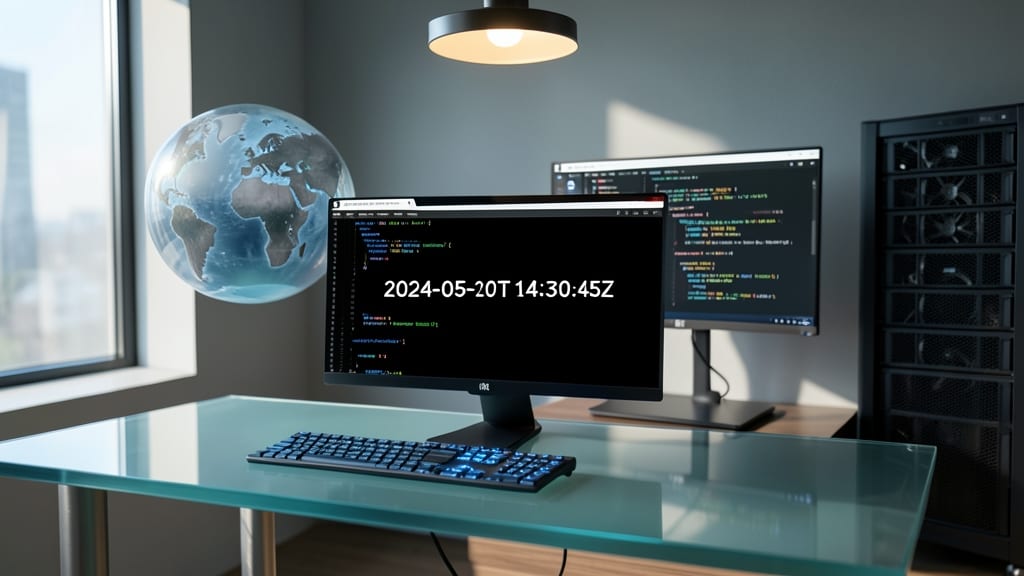
If your codebase spans continents—or even just multiple developers with different locale settings—ISO 8601 is the universal translator for date-time values. This standard, adopted by Python, JavaScript, Java, and APIs worldwide, eliminates ambiguity with a strict YYYY-MM-DDTHH:MM:SSZ structure (e.g., 2023-10-15T14:30:00Z), where the Z suffix always means UTC.
The format’s genius lies in its machine readability—no slashes, dashes, or spaces to misplace, and explicit timezone handling (e.g., +05:30 for IST). Libraries like Python’s datetime module and JavaScript’s toISOString() generate it natively, while databases (PostgreSQL, MySQL) support it out of the box. Even JSON APIs default to ISO 8601 for consistency.
Developers building global applications, microservices, or data pipelines rely on ISO 8601 to future-proof their systems against parsing errors and timezone quirks. It’s the only format that works seamlessly across all programming languages and platforms without extra configuration. ✨
RFC 2822 Email Date Format
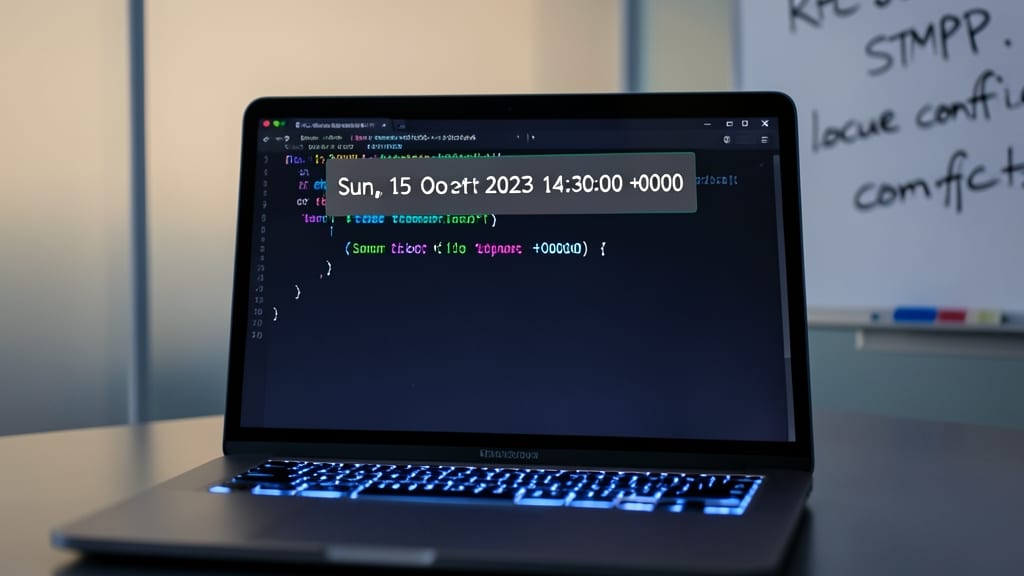
Ever struggled with an email timestamp that looked like gibberish to your code? The RFC 2822 format—like "Sun, 15 Oct 2023 14:30:00 +0000"—is the hidden backbone of SMTP emails, ensuring your inbox tools and APIs parse dates correctly without locale conflicts.
This format’s structure—day abbreviation, day, month abbreviation, time (24-hour), timezone offset—was designed for SMTP compatibility in 1994 but remains the gold standard for email headers today. Libraries like Python’s email.utils and Java’s javax.mail parse it natively, while APIs often require it for RFC-compliant responses. The +0000 offset (UTC) eliminates ambiguity, making it ideal for global systems where time zones matter.
Perfect for developers working with email APIs, legacy systems, or parsing raw SMTP logs, this format bridges old protocols and modern applications with minimal overhead. ✨
Unix Timestamp (Epoch Time)
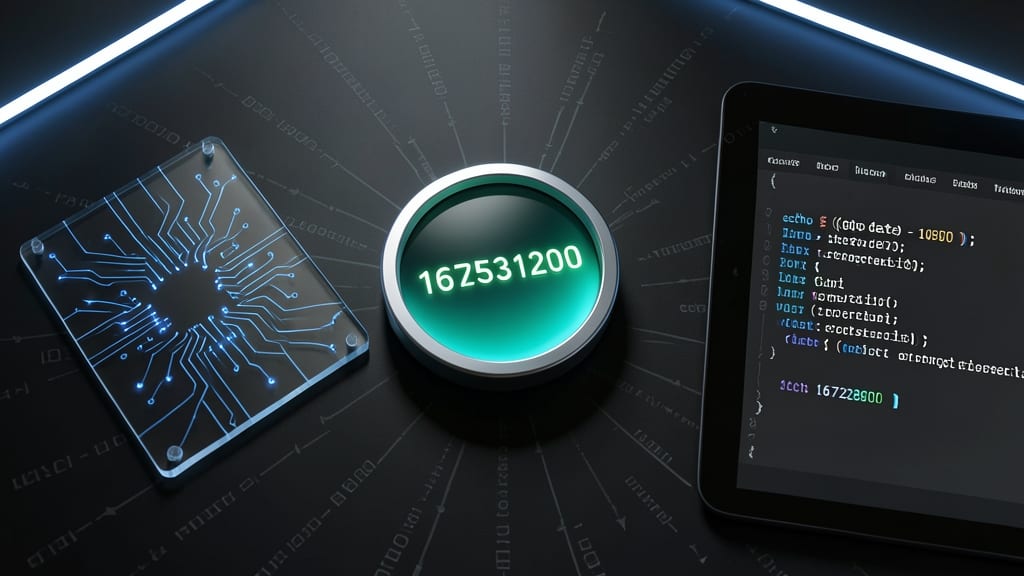
When your application needs to crunch numbers at lightning speed, Unix timestamps (also called epoch time) are the unsung hero of date-time handling. Represented as a simple integer—seconds since January 1, 1970 (UTC)—this format eliminates ambiguity and parsing overhead, making it the go-to choice for databases, system logs, and performance-critical systems.
At its core, a Unix timestamp is a 32-bit or 64-bit integer (e.g., 1697411400 for October 15, 2023), which is compact, sortable, and universally compatible across languages. Unlike human-readable formats, it avoids timezone confusion and locale issues, while also being zero-configuration for most programming languages. For example, in Python, time.time() returns a Unix timestamp, and in JavaScript, Date.now() does the same—no extra libraries needed.
Developers working on high-frequency trading systems, IoT devices, or database backends rely on Unix timestamps for their raw speed and simplicity. Whether you're optimizing a query or syncing clocks across servers, this format keeps things fast and reliable. ⚡
SQL Date-Time Formats

When your application interacts with databases, the 'YYYY-MM-DD HH:MI:SS' format becomes your best friend. Unlike other formats, this SQL-specific standard ensures queries, stored procedures, and ORM tools like Django or SQLAlchemy parse dates consistently without surprises.
Most databases (MySQL, PostgreSQL, SQL Server) default to this format for storage and retrieval, making it ideal for time-sensitive operations like scheduling or logging. The space-separated structure avoids parsing ambiguity, while the 24-hour clock ensures clarity across time zones. Even complex queries with WHERE clauses or JOIN operations benefit from this predictable structure.
This format shines for developers building data-driven applications where precision matters—whether you're managing inventory timestamps or tracking user activity. ⚡
JavaScript Date Format

Web developers know that handling dates requires more than just storing them—it’s about displaying them clearly to users worldwide. JavaScript’s built-in Date object and methods like toLocaleString() make this seamless, ensuring your app shows dates in the user’s preferred format while keeping legacy systems happy.
The toLocaleString() method automatically adapts to the user’s locale, converting dates like new Date(2023, 9, 15) into readable formats such as "10/15/2023" (US) or "15/10/2023" (EU) without extra code. For APIs or storage, you can rely on toISOString(), which outputs ISO 8601-compliant strings like "2023-10-15T00:00:00.000Z"—perfect for cross-platform consistency.
This approach is ideal for frontend developers building global applications or maintaining legacy projects where hardcoding formats isn’t an option. ⚡
Excel Date-Time Serial Numbers
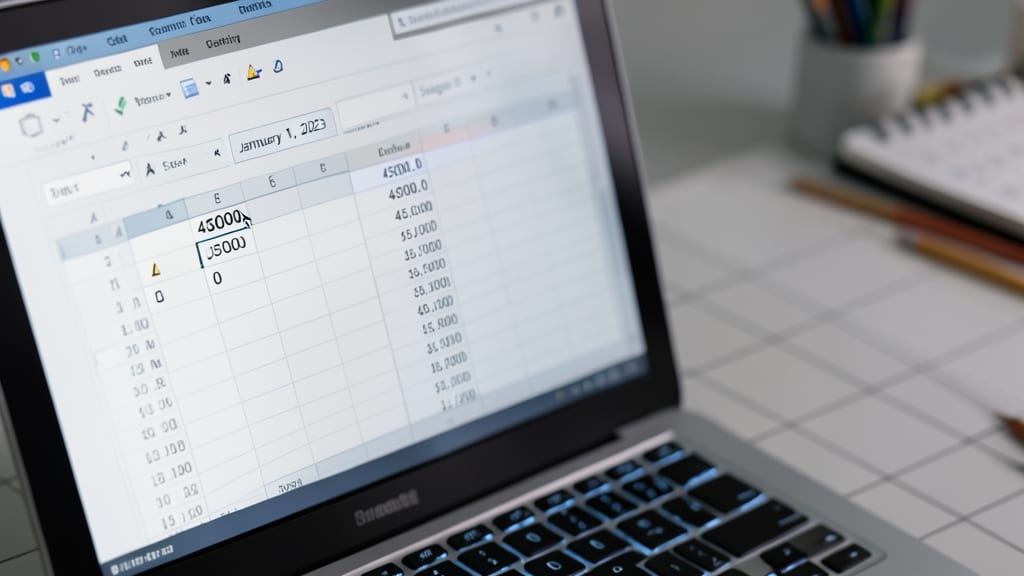
Ever wondered why Excel treats dates as numbers like 45000 instead of readable formats? This quirk is the backbone of spreadsheet automation, where serial numbers (e.g., 1 = Jan 1, 1900) enable precise calculations, conditional logic, and dynamic data manipulation.
Excel stores dates as floating-point numbers, where the integer part represents days since Dec 31, 1899 (or Mar 1, 1900 in Mac versions), and the decimal part captures time. This system lets you perform math on dates—like calculating time differences or aging inventory—without converting formats. For example, subtracting two serial numbers (e.g., 45000 - 44990) yields the days between them.
Perfect for financial analysts, data scientists, and automation engineers, this format integrates seamlessly with VBA macros and Power Query, turning raw data into actionable insights. Just remember: Excel’s date math is zero-indexed—1 = Jan 1, 1900, not Jan 1, 1901! ✨
Human-Readable Formats (MM/DD/YYYY vs. DD/MM/YYYY)
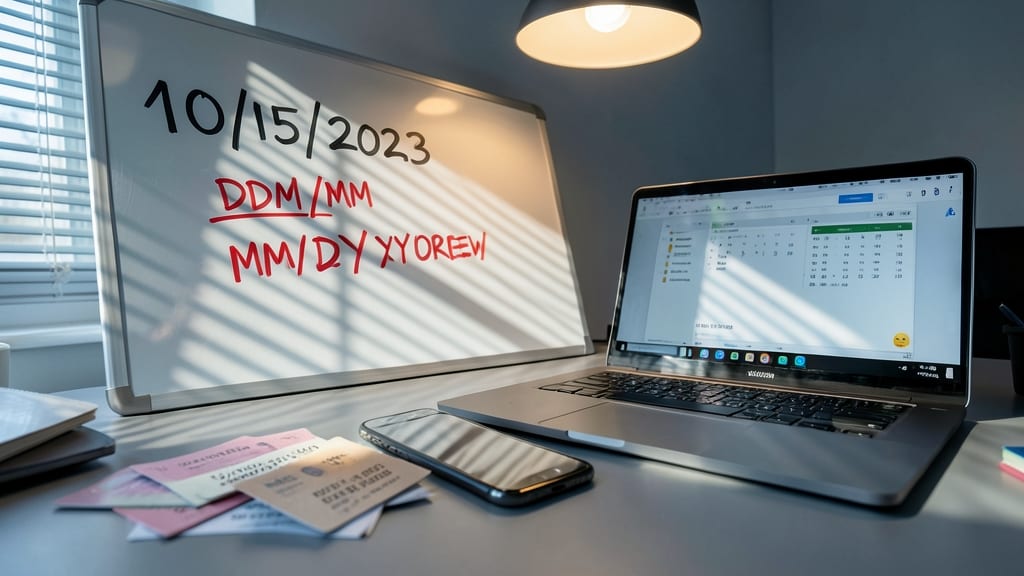
Ever misread a date because you assumed MM/DD/YYYY instead of DD/MM/YYYY? This isn’t just a regional quirk—it’s a localization minefield that can derail user experiences in global applications.
These formats rely on implicit assumptions: in the U.S., 10/15/2023 means October 15th, but in Europe, it’s the 15th of October. The ambiguity forces developers to explicitly declare formats in UI elements, APIs, and documentation. For example, always prefix with "MM-" or "DD-" in dropdowns (e.g., "MM/DD" vs. "DD/MM") to eliminate confusion. Libraries like Moment.js or date-fns can auto-detect locales, but manual validation remains critical.
This format is best for user-facing interfaces where clarity outweighs machine parsing efficiency. Always document your chosen format and test with international users to avoid costly errors. ✨