
Coding
SQL Server 2012 introduced groundbreaking features that transformed database management. These ten innovations redefined performance, security, and developer productivity—essential knowledge for modern database professionals.
Columnstore Indexes for Massive Performance Gains

If your analytics workloads grind to a halt with large datasets, columnstore indexes in SQL Server 2012 could be your game-changer. This feature introduced a radical shift from row-based to columnar storage, delivering 10x faster query performance on data warehouses—something that would previously require expensive hardware upgrades.
Designed specifically for OLAP (Online Analytical Processing), columnstore indexes store data vertically, compressing columns by up to 90% while optimizing for aggregations, scans, and joins. The batch mode processing engine processes millions of rows at once, making it ideal for queries scanning terabytes or petabytes. Unlike traditional B-tree indexes, it eliminates the overhead of row-by-row processing, turning hours-long queries into seconds.
This feature is a must-have for data analysts, BI teams, and enterprise architects dealing with massive datasets. Whether you're running complex aggregations or generating reports from years of transactional data, columnstore indexes deliver the performance boost you’ve been waiting for. ⚡
Contained Databases for Simplified Deployment

Tired of deployment headaches when moving databases between dev, test, and production? Contained databases in SQL Server 2012 solved this by removing the need for a master database dependency—letting you package and deploy entire databases as self-contained units.
With contained databases, you gain portability across environments without schema changes, simplified backups (no master database ties), and reduced admin overhead by eliminating cross-database dependencies. The USER_INSTANCE and PARTIAL containment modes let you choose between lightweight isolation or full self-sufficiency—ideal for DevOps pipelines.
This feature became a game-changer for teams managing multi-server ecosystems, cutting deployment time by up to 70% while maintaining consistency. 💪
AlwaysOn Availability Groups

Financial institutions can't afford downtime—even for seconds—but AlwaysOn Availability Groups in SQL Server 2012 changed the game. This feature introduced synchronous replication across multiple servers, ensuring data consistency in real-time while maintaining failover capabilities under 10 seconds.
With primary and secondary replicas, your database stays operational even if a server fails, while automatic failover minimizes human intervention. The synchronous commit protocol guarantees transactions are logged on all replicas before completion, making it ideal for high-stakes environments like banking or trading platforms where data integrity is non-negotiable.
This is the go-to solution for enterprises needing 99.999% uptime without sacrificing performance. ⚡
Sequence Objects for Reliable Number Generation

Tired of identity columns that can't be reused or audited? SQL Server 2012's sequence objects solve this with precision-engineered number generation that adapts to your workflow.
This feature introduces user-defined sequences with configurable increment/decrement values, caching options, and cycle behavior—all while maintaining thread safety. Unlike identity columns, sequences let you generate values independently of inserts, making them ideal for complex scenarios like audit trails or multi-table foreign keys. The syntax is straightforward: CREATE SEQUENCE dbo.OrderID AS INT START WITH 1000 INCREMENT BY 1;—then call it with NEXT VALUE FOR dbo.OrderID.
Database administrators managing compliance-heavy systems (like financial or healthcare databases) will appreciate how sequences enable traceable, predictable numbering without gaps. Perfect for scenarios where you need to skip values or reset sequences without data loss. ✨
Windows Azure Integration for Cloud Scalability

Struggling to balance on-premises infrastructure with cloud needs? SQL Server 2012’s Windows Azure integration solved this by enabling seamless hybrid deployments while keeping sensitive data under your control.
This feature let you extend on-prem databases to Azure with minimal configuration, using SQL Server Data-Tier Applications (DACs) for portable deployments. The integration supported transparent failover between environments and maintained data sovereignty—critical for industries with strict compliance requirements like healthcare or finance.
Perfect for enterprises testing cloud readiness or running hybrid workloads without full migration. 💻
Contained User Accounts for Enhanced Security

Multi-tenant SaaS applications now have a game-changer with contained user accounts—a feature that isolates authentication entirely within individual databases. This eliminates the need for server-level logins, drastically reducing the attack surface while meeting strict compliance requirements like GDPR or HIPAA.
The feature introduces database-scoped credentials (users and logins) that exist independently of the master database, allowing you to manage permissions at the granular level of each tenant. With contained database authentication, you can deploy security policies per database without affecting others, and even back up and restore databases with their authentication intact. This is particularly valuable for cloud-hosted SaaS providers needing to scale securely across regions.
Ideal for developers building multi-tenant architectures, this feature simplifies security administration while ensuring compliance—no more juggling server-wide permissions. 💻
Power View for Interactive Data Visualization
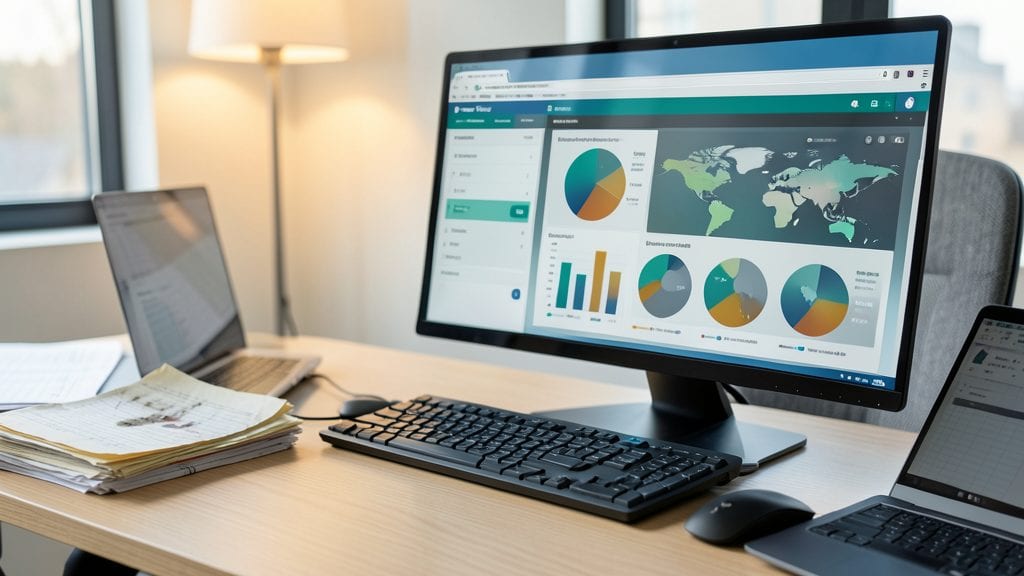
Tired of waiting for IT to generate reports while you chase down answers in spreadsheets? Power View in SQL Server 2012 turned business intelligence on its head by putting interactive data exploration directly into the hands of non-technical users.
This browser-based tool lets you drag-and-drop fields to create dynamic charts, maps, and pivot tables—all connected to your existing SQL Server data. No SQL knowledge required! The integration with SharePoint and Excel made it the perfect bridge between raw data and actionable insights, while features like touch-friendly gestures (even on Windows 8) kept the experience intuitive.
Perfect for sales teams tracking performance metrics or marketing analysts comparing campaign results, Power View eliminated the dependency on developers for simple visualizations. It's the BI tool that finally made data exploration accessible to everyone. ✨
FileTable for Unified File and SQL Storage
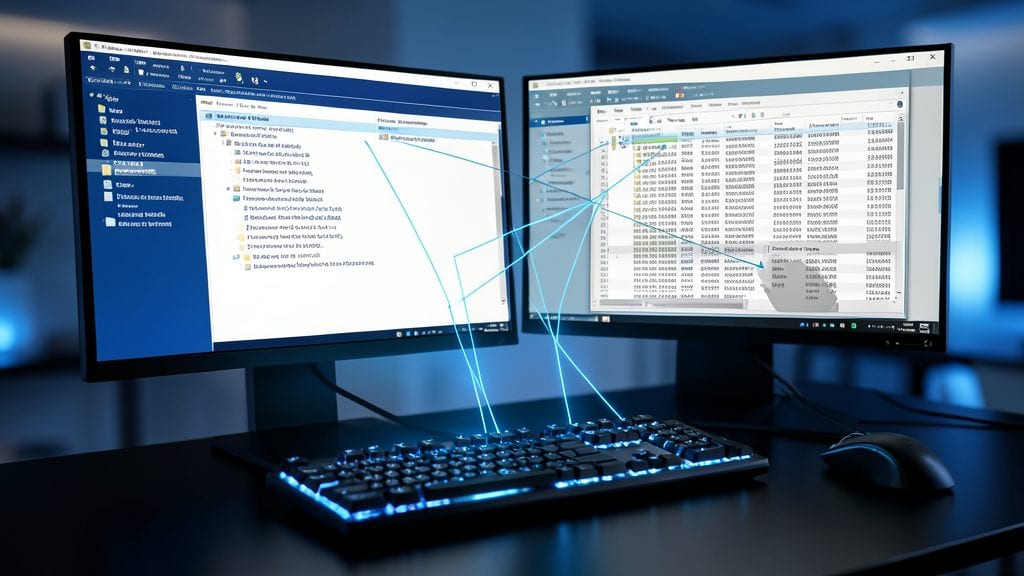
Tired of juggling file systems and databases separately? FileTable in SQL Server 2012 merges them into a single, seamless solution—letting you store files and their metadata in a single table while maintaining full NTFS permissions.
This hybrid approach gives you file system-like paths (e.g., /Documents/Report.docx) alongside relational querying (e.g., SELECT FROM FileTable WHERE Author = 'John'). Built on the FILESTREAM technology, it supports large binary objects (LOBs) up to 2GB per file while keeping storage on disk rather than in memory. Perfect for document management systems where you need both file organization and* SQL flexibility.
Content managers and developers building DMS (Document Management Systems) will love how FileTable eliminates the need for separate file servers—just query files like database rows while retaining all the file system benefits. ✨
Contained Database Backup for Simplified Recovery
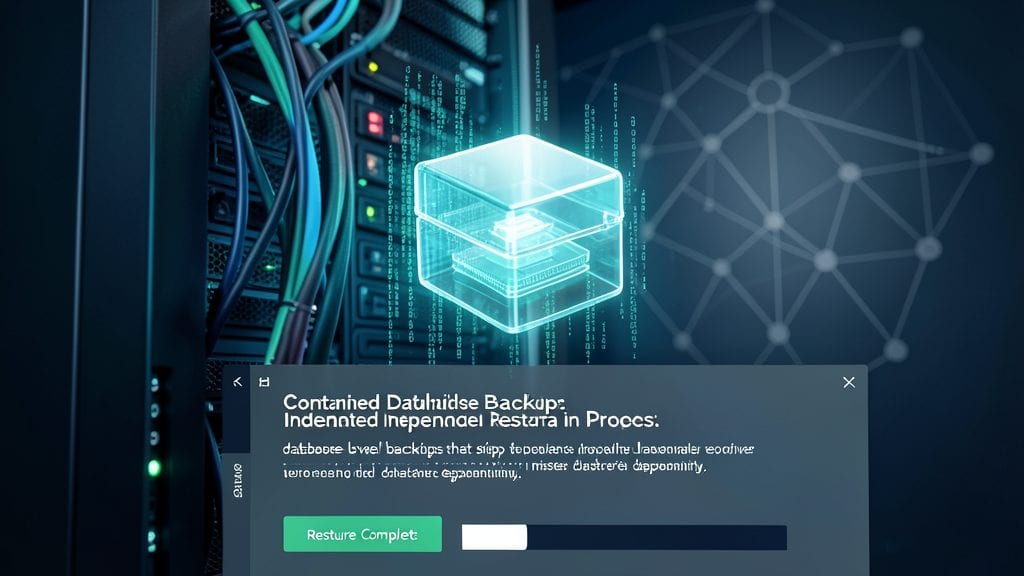
For enterprises where downtime isn't an option, Contained Database Backup in SQL Server 2012 introduced a game-changer: database-level backups that skip the master database dependency. This meant you could restore individual databases without touching the entire server, drastically simplifying recovery workflows for large-scale environments.
The feature supported full, differential, and transaction log backups at the database level, while T-SQL commands like BACKUP DATABASE now worked independently of server-wide configurations. This eliminated the need for complex pre-backup scripts targeting the master database, reducing human error in critical recovery scenarios. Compression was also built-in, cutting backup file sizes by up to 70% for faster transfers.
Ideal for financial institutions, healthcare systems, and global enterprises, this feature became the backbone of disaster recovery plans where minimal RTO (Recovery Time Objective) was non-negotiable. The ability to test restores without affecting production environments made it a must-have for DBAs managing critical workloads. ✨
SQL Server Data Tools for Unified Development
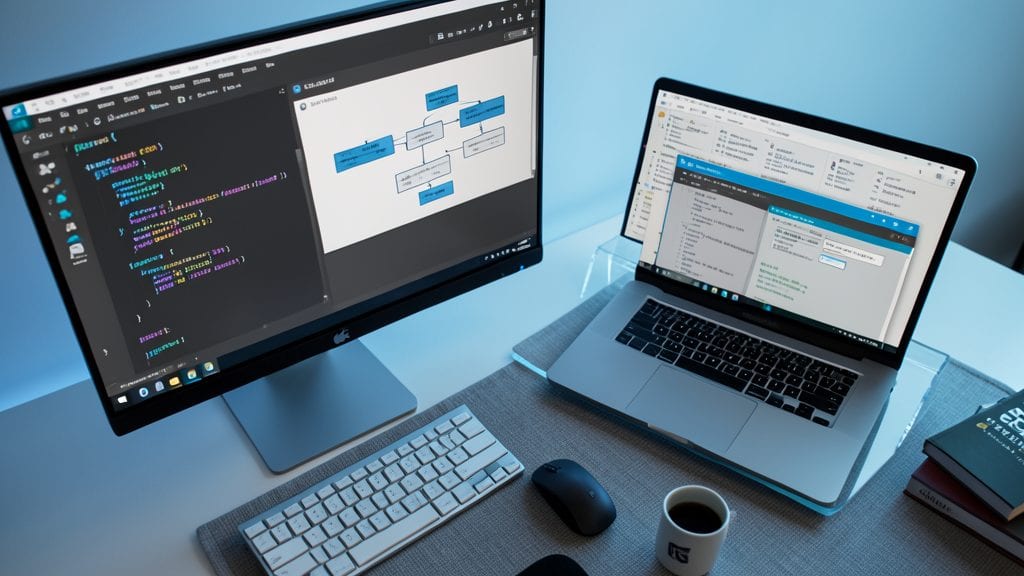
Tired of juggling separate tools for database schema changes and application logic? SQL Server Data Tools (SSDT) bridges that gap by embedding database development directly into Visual Studio 2010/2012, creating a unified workflow for .NET developers.
With SSDT, you get schema comparison tools, T-SQL debugging, and source control integration—all within the familiar Visual Studio environment. The project-based approach lets you version-control database changes alongside your application code, while data generation plans streamline testing with realistic datasets. It even supports SQL Server 2012's contained databases, ensuring your development environment mirrors production.
This is the ultimate tool for enterprise .NET teams building data-driven applications, where database changes and application logic evolve together. ⚡